Skip to content
ANDY
Approval Queue
Available now

Nothing leaves without a yes from you.

Every action an agent proposes waits in one queue with the reason and the policy that held it. Approve, edit and approve, or reject with a reason. Submitting a candidate always needs a person.

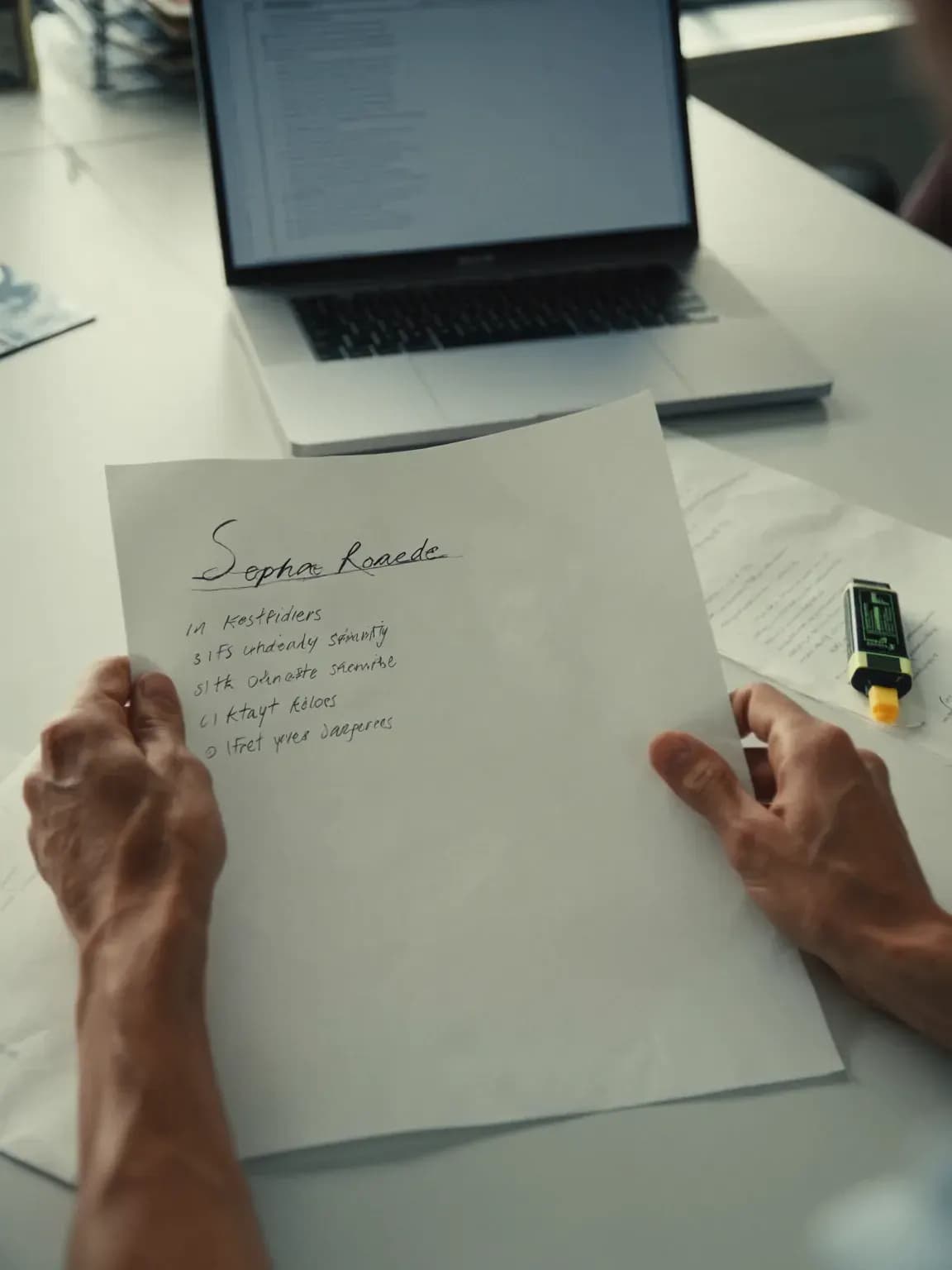
A recruiter at a sunlit desk reviewing a short list, with a yellow highlighter beside her notes.

Automation is fast until it emails the wrong person

Then nobody can say why it happened. Every message, submittal and merge an agent proposes should wait for someone who can answer for it.

71%

of Americans oppose AI making a final hiring decision.

Source: Pew Research Center, Americans' views on use of AI in hiring, April 2023

How it works

  1. 1

    Agents propose

    Every action that reaches outside ANDY becomes a proposal: an email, a submittal, a merge.

  2. 2

    Your policy decides what waits

    Your autonomy settings say which steps need approval. Submittals, merges and sensitive fields always do.

  3. 3

    You decide

    Approve, edit and approve, reject with a reason, or snooze. Your edits are kept next to the draft.

  4. 4

    Clear the routine ones together

    Filter to one type of low-risk item and approve them at once. Submittals never qualify.

Request: What's waiting for me?

Waiting for your approval

Send an email from a connected mailbox

Co-Pilot default: needs approval.

To
Priya S.
Subject
Desktop support at Harbor & Vine LLP
Why
Follow-up you asked for after the screen.

Priya, thanks for the call today. I'll send your details to the team at Harbor & Vine LLP this afternoon and come back to you by Friday. Jordan

Fictional example. Approval Queue works this way in ANDY today.

What you control

What you approve

Whatever your autonomy settings hold for review, and always submittals, merges and sensitive fields.

Send first-touch outreach
Needs approval by default. An admin can let it run on its own.
Submit candidate to client
Always needs a person. No setting changes this.
Merge records
Always needs a person. No setting changes this.
Send BD outreach
Always needs a person. No setting changes this.

What’s recorded

Each proposal, the policy that held it, who decided and when, and the text before and after any edit.

Autonomy setting

Every requisition shows its mode: Co-Pilot, Hybrid or Custom. Co-Pilot, the default, sends nothing without your approval.

How approval works