Skip to content
ANDY
Outreach
Coming soon

Short first notes in your voice, sent when you say.

Drafts short first notes and follow-ups in your firm's voice, sent from your own mailbox. Nothing goes out until you approve it.

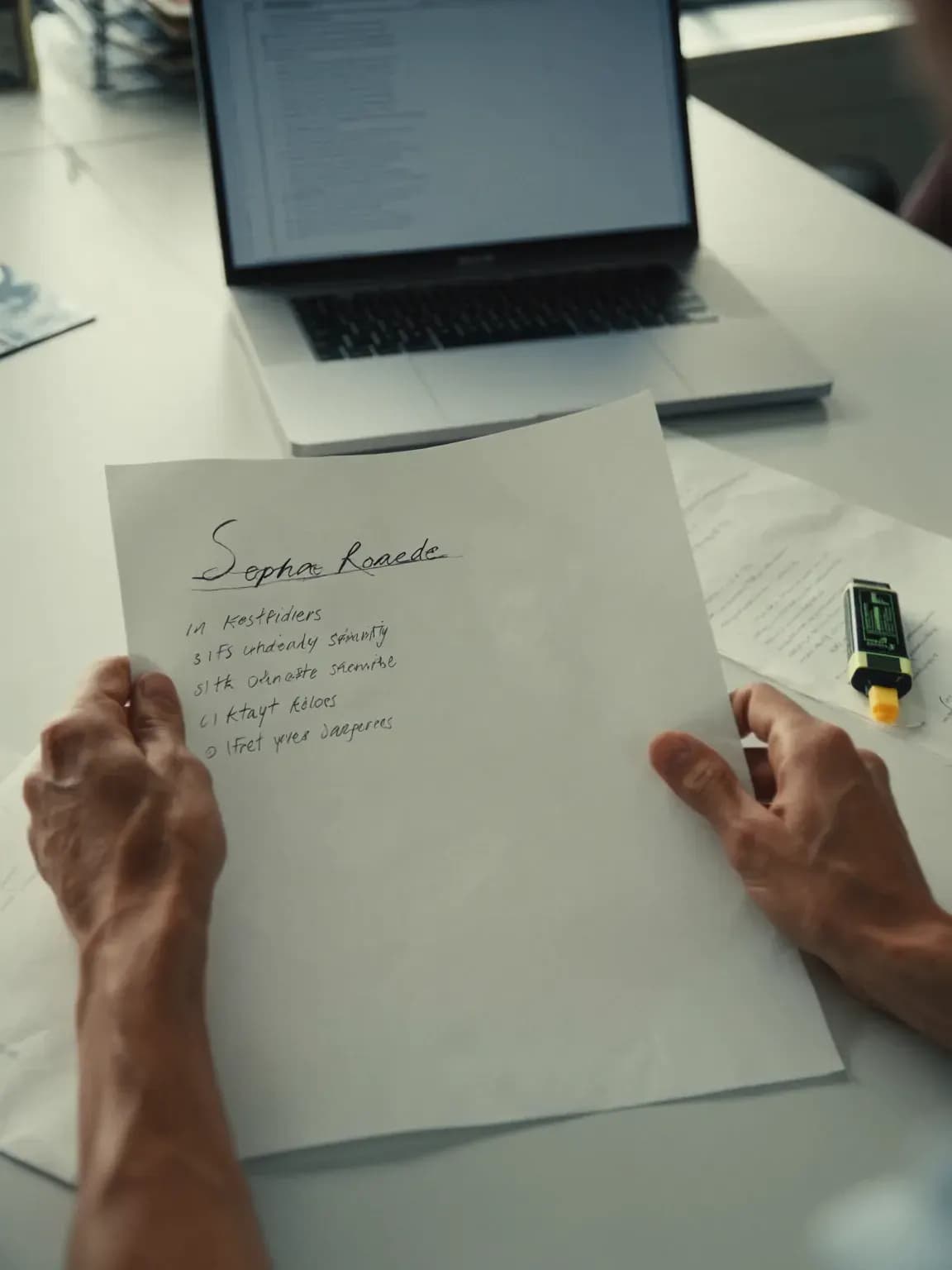
A recruiter at a sunlit desk reviewing a short list, with a yellow highlighter beside her notes.

Generic messages get ignored

A good first note names the work that made the candidate a fit. Writing one for each person takes the time the search just saved.

15%

higher response rates, roughly, for recruiter InMails sent individually rather than in bulk.

Source: LinkedIn Talent Blog, InMail response rates according to LinkedIn data, May 2022

How it will work

  1. 1

    Draft from the evidence

    The note mentions the work that matched, in your firm's voice, and skips the phrases your pack bans.

  2. 2

    Review and approve

    Edit any draft or approve it as written. Nothing sends before you do.

  3. 3

    Send from your mailbox

    Approved messages leave from your own Gmail or Outlook address, and replies come back to the candidate's record.

  4. 4

    Follow up

    Follow-ups wait for approval too, unless your admin lets an approved sequence send them.

Request: Draft a first note to Dana R. about the ASR III role.

Waiting for your approval

Send first-touch outreach

Co-Pilot default: needs approval.

To
Dana R.
Subject
ASR III in Lorton
Why
First touch on the ASR III requisition. Dana R. is tier 2 on the shortlist.

Dana, your work running indoctrinations and debriefs for 140 people is close to what a Lorton program office needs in an ASR III. It's onsite and needs TS/SCI. Open to a 15-minute call this week? Jordan

A preview with fictional data. Outreach is coming soon.

What you control

Outreach is coming soon. The approval rules below already apply to every agent in ANDY today.

What you approve

First notes and follow-ups, unless an admin lets an approved sequence send its follow-ups.

Send first-touch outreach
Needs approval by default. An admin can let it run on its own.
Send sequence follow-up
Needs approval in Co-Pilot, the default. Runs on its own in Hybrid.

What’s recorded

The draft, your edits, who approved it and when it was sent.

Autonomy setting

Every requisition shows its mode: Co-Pilot, Hybrid or Custom. Co-Pilot, the default, sends nothing without your approval.

How approval works